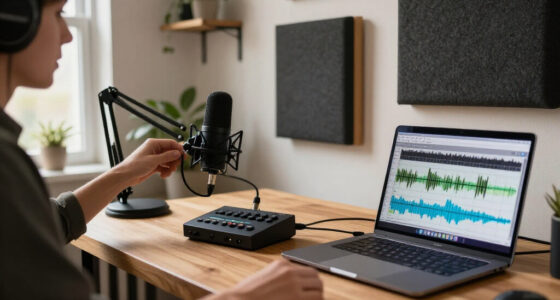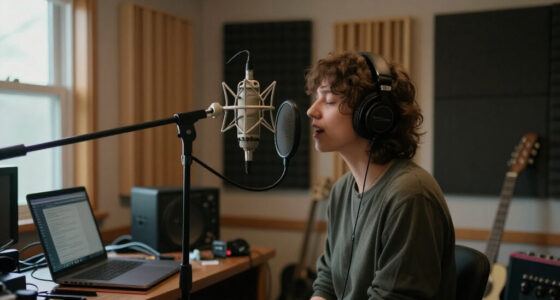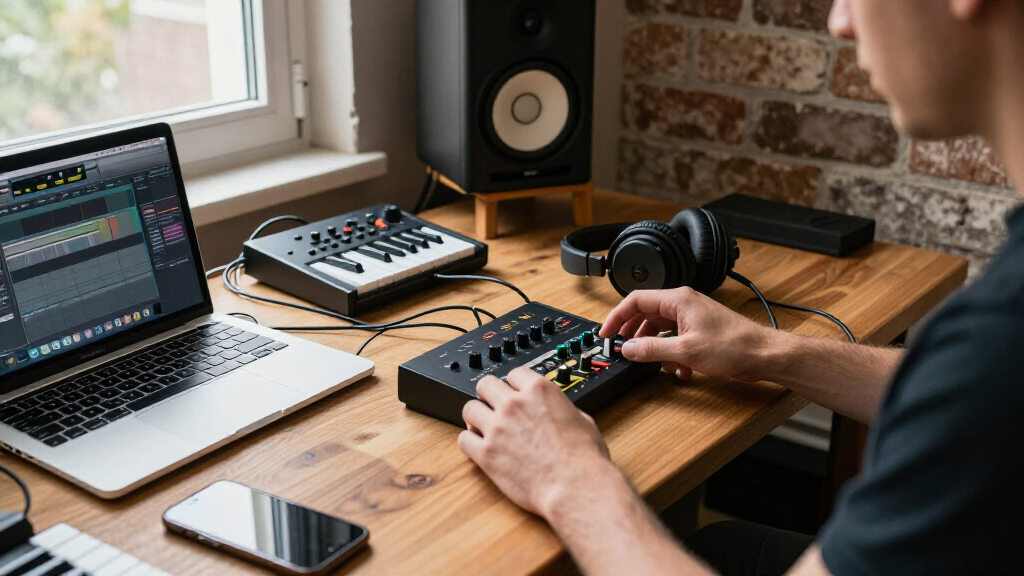

Welcome to our comprehensive Music & Creator Tech Shopping Checklist 2026. Whether you’re a budding musician, a seasoned producer, or a content creator, having the right gear can make a significant difference in your work quality and efficiency. This guide is designed to help you navigate the essential equipment needed for a professional-grade setup, with insights into what to look for and how to choose the best options for your needs.

Get audio and creator gear delivered free with Prime
- Fast, free delivery on millions of items
- Prime Video, Amazon Music and more included
- Member-only deals all year
We’ve organized this checklist into key categories, covering everything from microphones to lighting equipment. Each section offers detailed advice on selecting the right product, common pitfalls to avoid, and compatibility tips. Use this as a reference to ensure you’re making informed, confident purchases that enhance your creative workflow.
Remember, selecting the right tech is about matching your specific goals, space, and budget. Take your time to review each section, consider your priorities, and choose gear that will grow with your creative journey. Happy shopping and creating!
Microphones
The microphone is the cornerstone of any recording setup. The Logitech Blue Yeti USB Microphone is a popular choice for streamers, podcasters, and home studio enthusiasts due to its versatility and ease of use. When shopping for a microphone, consider your primary use—whether for vocals, instruments, or streaming—and ensure the mic offers the right pattern options and connectivity. A good microphone should also have sturdy build quality and adjustable settings for optimal sound capture. Avoid models that lack compatibility with your device or have limited pattern options, which can restrict your flexibility.
Size and fit are less of an issue with USB microphones, but pay attention to features like gain control, mute button, and headphone output. Compatibility with your computer’s operating system and software is crucial to avoid setup headaches. If you plan to upgrade later, consider how well the microphone integrates into your existing gear and whether it offers future expandability.
What to look for:
- USB connectivity
- Multiple pattern options
- Adjustable gain control
- Solid build quality
- Compatibility with PC/Mac
Logitech Blue Yeti USB Microphone for PC, Mac, Gaming, Streaming, Podcasting, St

The Blue Yeti USB microphone offers broadcast-quality sound with four pickup patterns, customizable controls, and Blue VO!CE effects, making it ideal for streaming, podcasting, recording, and gaming. Its plug-and-play design allows quick setup on Mac or PC with adjustable positioning for optimal sound quality.
Pros:
- High-quality broadcast sound with multiple pickup patterns
- Customizable audio controls and effects for professional recordings
- Easy plug-and-play setup with adjustable positioning
Cons:
- Bulkier design may take up desk space
- Requires USB connection, limiting portability
Best for: Podcasters, streamers, home recording
Not ideal for: Professional studio recording
Bottom line: A versatile mic for beginners and intermediates
Audio Interfaces
The audio interface is essential for converting your analog signals into digital data with clarity. The Solid State Logic SSL 2+ MKII USB-C Audio Interface is known for its high-quality preamps and robust build. When choosing an interface, focus on the number of inputs and outputs you need—two mic preamps are great for solo creators or small setups. Ensure the device offers USB-C connectivity for faster data transfer and compatibility with modern computers. Additionally, look for features like phantom power, direct monitoring, and compatibility with your preferred DAW software.
Common mistakes include overpaying for unnecessary features or choosing an interface that doesn’t match your equipment. For example, if you only record vocals, a single-input device might suffice, saving you money. Sizing and compatibility are generally straightforward, but always check that your computer’s OS supports the interface and that your recording software recognizes it seamlessly.
What to look for:
- Multiple mic preamps
- USB-C connection
- Phantom power
- Direct monitoring capability
- Compatibility with DAW software
Solid State Logic SSL 2+ MKII USB-C Audio Interface with 2 Mic Preamps and 4 Out

The SSL 2+ MKII is a bus-powered audio interface designed for producers, podcasters, and musicians. It features two XLR mic preamps, two 1/4" line/Hi-Z inputs, four balanced TRS outputs, and high-quality 32-bit/192kHz AD/DA converters, along with various analog enhancements and MIDI I/O.
Pros:
- High-quality 32-bit/192kHz audio conversion
- Dual headphone outputs for monitoring
- Includes SSL production software bundle
Cons:
- Limited to 2 inputs and 4 outputs, may not suit larger setups
- Requires USB-C connection, may need adapters for some devices
- No built-in DSP effects
Best for: Home studios, small recording setups
Not ideal for: Large multi-channel recording studios
Bottom line: Reliable interface for professional-quality recordings
Studio Headphones
The studio headphones you choose can dramatically impact your mixing and editing precision. The HD 490 PRO Open-Back Professional Headphones are designed for accurate sound reproduction, which is vital for critical listening. When selecting studio headphones, prioritize comfort for long sessions, durability, and sound clarity. Open-back models like the HD 490 PRO provide a natural, spacious soundstage, making them ideal for mixing, but they leak sound, so they’re not suitable for noisy environments.
Common mistakes include choosing headphones based solely on style or price without considering sound accuracy. Fit and comfort are equally important—ill-fitting headphones can cause fatigue and hinder your ability to focus. Ensure the headphones are compatible with your device and that they have a secure, adjustable headband. Properly calibrated headphones help prevent ear fatigue and provide a true representation of your audio mix.
What to look for:
- Sound accuracy
- Comfortable fit
- Open-back design
- Durable construction
- Compatibility with audio devices
HD 490 PRO Open-Back Professional Headphones

The HD 490 PRO headphones feature an open-back design that delivers a wide, natural sound stage with accurate frequency response from 5 to 36,000 Hz. Crafted for studio use, they offer comfort, durability, and include switchable ear pads for mixing and producing, along with integrated software for enhanced mixing accuracy.
Pros:
- Wide, natural sound stage with accurate frequency response
- Comfortable ergonomic design suitable for long studio sessions
- Switchable ear pads for different sound signatures and reduced ear fatigue
- Includes innovative software for improved mixing accuracy
Cons:
- Open-back design may allow sound leakage, unsuitable for noisy environments
- Premium headphones may be costly for casual users
Best for: Mixing, mastering, critical listening
Not ideal for: Portable, on-the-go use
Bottom line: Perfect for detailed audio work
Music Production Software
Choosing the right music production software is crucial for turning your ideas into polished tracks. ‘Music Production: A Manual for Producers, Composers, Arrangers, and St’ offers a comprehensive guide, but your actual software choice should align with your workflow and skill level. Popular DAWs like Ableton Live, FL Studio, Logic Pro, and Pro Tools each have their strengths, so consider which interface feels most intuitive for you. Compatibility with your hardware, ease of use, and available plugins are key factors.
Many beginners make the mistake of choosing software based solely on features or hype rather than workflow fit. Focus on what suits your style—whether loop-based production, recording, or mixing—and ensure the software integrates well with your existing gear. Also, evaluate whether the software offers ample tutorials and community support, as these can accelerate your learning curve. Remember, investing in the right software can save you frustration and boost your productivity.
What to look for:
- User interface that matches your style
- Compatibility with your OS
- Support for third-party plugins
- Good built-in tutorials
- Active user community
Music Production: A Manual for Producers, Composers, Arrangers, and Students, Th

This book provides comprehensive guidance on music production techniques for producers, composers, and students. It covers essential concepts and practical tips for creating professional-quality music.
Pros:
- Comprehensive coverage of music production techniques
- Suitable for students and professionals
- Includes practical tips and examples
Cons:
- No specific features or editions highlighted
- No customer reviews or ratings available
Best for: Beginners and intermediate producers
Not ideal for: Advanced studio engineers
Bottom line: Enhance your production skills with the right software
Lighting Equipment
Proper lighting equipment can dramatically improve your video and photo quality, especially for live streams and content creation. The 16×16 Softbox Lighting Kit with 95W Dimmable LED Studio Lights is a versatile choice, offering adjustable brightness and color temperature. When shopping for lighting, look for features like dimmability, remote control, and consistent light diffusion to avoid harsh shadows. The size of the softboxes also matters—larger ones provide softer, more flattering light, which is ideal for close-up shots or studio setups.
Common pitfalls include choosing lights that are too dim or not adjustable enough, resulting in poor lighting conditions. Compatibility with your power sources and ease of setup are also important considerations. The kit’s included remote makes it easier to fine-tune your lighting without interrupting your shoot. Proper lighting setup enhances your overall production quality and helps create a professional appearance. Consider your space, camera type, and the kind of content you produce to select the most suitable lighting kit.
What to look for:
- Adjustable brightness and color temperature
- Remote control included
- Size of softboxes
- Stable mounting options
- Compatibility with standard outlets
16×16 Softbox Lighting Kit, 95W Dimmable LED Studio Light with Remote, Adjustabl

This softbox lighting kit features a 95W dimmable LED light with remote control for adjustable color temperature and brightness, ideal for YouTube videos, streaming, and Zoom calls. It includes a collapsible tripod, softbox, carry bag, and accessories for easy setup and professional-quality lighting.
Pros:
- Remote control allows convenient adjustment of color and brightness
- High CRI>95 for true-to-life color rendering
- Compact, reverse-fold tripod for easy storage and travel
- Durable LED with over 10 years lifespan
Cons:
- No specific weight information provided
- Setup may require some initial adjustment
- Limited details on included accessories
Best for: Studio filming, streaming, photo shoots
Not ideal for: On-location outdoor shoots
Bottom line: Elevate your video quality with proper lighting
Music Accessories
When building your creator tech arsenal, start with the essentials that match your immediate needs and future plans. Prioritize quality and compatibility over cost to ensure your setup can grow with you. Remember, the right gear can inspire your creativity and improve your output significantly.
Take your time, do thorough research, and choose equipment that fits your workflow and budget. With the right tools in hand, you’re well on your way to producing professional-quality content. Happy creating and shopping!
Halloween Picks
halloween
As an affiliate, we earn on qualifying purchases.