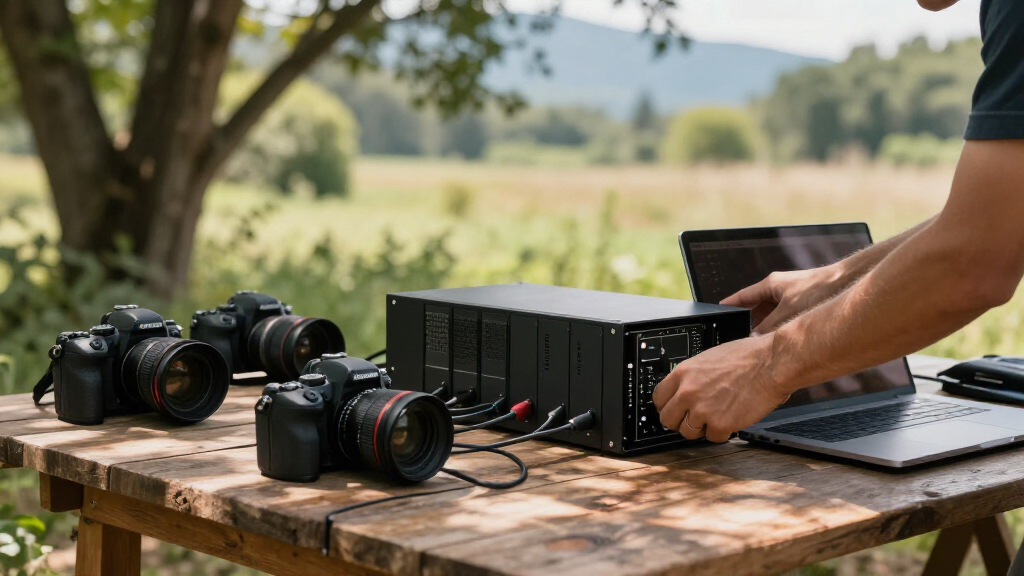

Choosing the right RAID enclosure can significantly impact a photographer’s workflow, especially when managing large image files and ensuring data safety. The OWC ThunderBay 8 stands out for its massive capacity and flexible RAID options, making it ideal for heavy-duty storage needs. The OWC ThunderBay 4 offers a balance of speed and simplicity for those who need fast access to smaller projects. Meanwhile, the QNAP TR-004 provides expandable, hardware RAID options suitable for users who prefer a diskless setup and multi-OS compatibility. Each of these options comes with tradeoffs—cost, compatibility, and complexity—that influence which is best for your specific photography setup.

Get audio and creator gear delivered free with Prime
- Fast, free delivery on millions of items
- Prime Video, Amazon Music and more included
- Member-only deals all year
Complete the kit



Key Takeaways
- The OWC ThunderBay 8 excels in high-capacity storage and flexible RAID configurations, ideal for professional photographers with extensive archive needs.
- The ThunderBay 4 offers high-speed performance with an intuitive setup, perfect for fast-paced editing workflows on Thunderbolt-compatible Macs and PCs.
- The QNAP TR-004 provides expandable, hardware RAID options without pre-installed drives, suitable for users who want customizable storage and multi-OS support.
- Compatibility and interface limitations are key considerations—Thunderbolt enclosures require compatible ports, while USB models are more versatile but may sacrifice speed.
- Price and ease of use vary; higher capacity and advanced features come with increased costs and setup complexity.
| OWC ThunderBay 8 Eight-Bay Thunderbolt Storage Enclosure with SoftRAID |  | Best Overall for High-Capacity, Flexible RAID | Drive Bays: 8 | Supported Drives: 2.5 or 3.5-inch SSDs/HDDs | Ports: Dual Thunderbolt 3 | VIEW LATEST PRICE | See Our Full Breakdown |
| OWC ThunderBay 4 0TB Thunderbolt 40Gb/s Four-Bay Storage Enclosure |  | Best for Speed and Simplicity in Compact Form | Drive Bays: 4 | Supported Drives: 2.5 or 3.5-inch SSDs/HDDs | Ports: Thunderbolt 3 | VIEW LATEST PRICE | See Our Full Breakdown |
| QNAP TR-004 4-Bay USB Type-C DAS with Hardware RAID (Diskless) |  | Best for Expandable, Multi-OS Compatibility | Number of Bays: 4 | Interface: USB Type-C | Supported RAID: RAID 0/1/5, JBOD | VIEW LATEST PRICE | See Our Full Breakdown |
| RAID enclosures for photographer | Drive Bays | Supported Drives | Ports | RAID Support |
|---|---|---|---|---|
| OWC ThunderBay 8 Eight-Bay Thu | 8 | 2.5 or 3.5-inch SSDs/HDDs | Dual Thunderbolt 3 | RAID 0/1/4/5/10, Apple RAID, Windows Disk Manager |
| OWC ThunderBay 4 0TB Thunderbo | 4 | 2.5 or 3.5-inch SSDs/HDDs | Thunderbolt 3 | RAID 0/1/4/5/10 |
| QNAP TR-004 4-Bay USB Type-C D | — | — | — | — |
More Details on Our Top Picks
OWC ThunderBay 8 Eight-Bay Thunderbolt Storage Enclosure with SoftRAID
The OWC ThunderBay 8 is designed for photographers needing extensive storage capacity along with a variety of RAID options. Its eight bays support both 2.5-inch and 3.5-inch drives, making it adaptable to SSDs and HDDs. Dual Thunderbolt 3 ports allow daisy-chaining multiple units, which is a boon for large editing workflows or archiving. The inclusion of SoftRAID software provides advanced configuration options, though it requires some setup familiarity. Compared with smaller enclosures, this model offers unmatched scalability but at a higher price point and with increased complexity. This device makes the most sense for professionals with demanding storage needs who also require flexible RAID setups and future expandability.
Pros:- Massive capacity with up to 1,152TB when daisy-chained
- Supports a wide range of RAID configurations including RAID 0/1/4/5/10
- Plug-and-play setup with included Thunderbolt cable
Cons:- Requires Thunderbolt 3 ports, limiting device compatibility
- Premium software may involve a learning curve
- Higher cost compared to smaller enclosures
Best for: Professional photographers with extensive storage needs and the ability to manage complex RAID configurations.
Not ideal for: Photographers seeking a plug-and-play, budget-friendly solution or those with limited Thunderbolt ports.
- Drive Bays:8
- Supported Drives:2.5 or 3.5-inch SSDs/HDDs
- Ports:Dual Thunderbolt 3
- Compatibility:Thunderbolt 2/Thunderbolt backward compatible, Mac, Windows
- RAID Support:RAID 0/1/4/5/10, Apple RAID, Windows Disk Manager
- Warranty:Up to 1 year
Our verdict“Ideal for high-volume storage and flexible RAID configurations, suited to professional workflows that demand scalability.”
OWC ThunderBay 4 0TB Thunderbolt 40Gb/s Four-Bay Storage Enclosure
The OWC ThunderBay 4 offers a streamlined solution for photographers who need fast data transfer without sacrificing ease of use. With four bays supporting both 2.5-inch and 3.5-inch drives, it is highly configurable in RAID 0/1/4/5/10, making it flexible enough for editing projects that demand quick access and redundancy. Its Thunderbolt 3 interface delivers sustained speeds up to 1527MB/s, which is particularly valuable when working with large RAW files or high-resolution videos. Compared to larger, multi-bay enclosures, this model’s smaller footprint and straightforward setup make it attractive for mobile workflows or desktop use. However, its capacity is limited compared to the ThunderBay 8, and it does not support daisy-chaining as extensively.
Pros:- High sustained transfer speeds up to 1527MB/s
- Supports multiple RAID levels for flexibility
- Compact, heatsink aluminum chassis keeps noise and heat down
Cons:- Limited to four drives, restricting maximum capacity
- Requires Thunderbolt 3 ports, limiting hardware compatibility
- Higher cost per terabyte compared to larger enclosures
Best for: Photographers who prioritize high-speed access and a compact design for editing workflows.
Not ideal for: Users needing massive storage or complex RAID setups beyond four drives.
- Drive Bays:4
- Supported Drives:2.5 or 3.5-inch SSDs/HDDs
- Ports:Thunderbolt 3
- RAID Support:RAID 0/1/4/5/10
- Performance:Up to 1527MB/s
- Form Factor:Compact aluminum chassis
Our verdict“Best suited for fast-paced editing environments where speed and simplicity are priorities over huge storage capacity.”
QNAP TR-004 4-Bay USB Type-C DAS with Hardware RAID (Diskless)
The QNAP TR-004 provides a flexible, diskless RAID enclosure that appeals to photographers who want customizable storage solutions. Connecting via USB Type-C, it supports hardware RAID configurations including RAID 0, 1, 5, JBOD, and individual disks, giving users control over how their data is managed. Its diskless design allows for choosing drives tailored to specific needs, whether for speed, redundancy, or capacity expansion. While it lacks native NAS functions, it excels as a direct-attached device compatible with Windows, macOS, and Linux—an advantage for mixed-OS workflows. However, it’s not suitable for users expecting integrated NAS features or those who prefer pre-configured setups, as it requires manual drive installation and setup.
Pros:- Supports multiple RAID levels including RAID 0, 1, 5, JBOD
- Compatible with Windows, macOS, and Linux
- Lockable drive bays enhance security
Cons:- Requires manual drive installation and setup
- Limited to external storage, no NAS capability
- Cannot recognize data from other devices or NAS
Best for: Photographers seeking customizable, expandable storage that supports multiple operating systems.
Not ideal for: Users who need NAS capabilities or an all-in-one backup solution.
- Number of Bays:4
- Interface:USB Type-C
- Supported RAID:RAID 0/1/5, JBOD
- Drive Compatibility:3.5-inch SATA 3Gb/s
- Diskless:Yes
- Form Factor:External, hardware RAID
Our verdict“A flexible, expandable RAID enclosure for users comfortable with manual setup and multi-OS environments.”
How We Picked
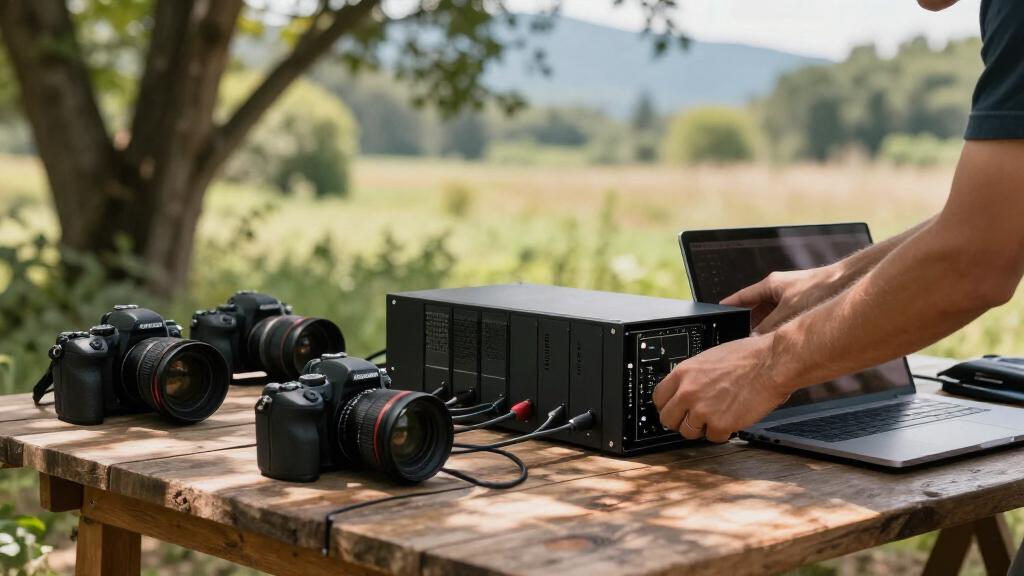
Our selections focus on RAID enclosures that best serve professional photographers who need reliable, fast, and flexible storage solutions. We prioritized products that offer robust RAID support, compatibility with common editing setups, and scalability for future storage needs. Price, ease of setup, and software features were also considered, ensuring options for a range of budgets and technical expertise. We compared performance specs, user reviews, and manufacturer reliability to recommend models that balance capacity, speed, and versatility.
| RAID enclosures for photographer | Ports | RAID Support | Form Factor |
|---|---|---|---|
| OWC ThunderBay 8 Eight-Bay Thu | Dual Thunderbolt 3 | RAID 0/1/4/5/10, Apple RAID, Windows Disk Manager | — |
| OWC ThunderBay 4 0TB Thunderbo | Thunderbolt 3 | RAID 0/1/4/5/10 | Compact aluminum chassis |
| QNAP TR-004 4-Bay USB Type-C D | — | — | External, hardware RAID |
Factors to Consider When Choosing Best RAID Enclosures For Photographers
Selecting the right RAID enclosure hinges on your specific storage needs, workflow, and budget. Photographers handling large files require high-capacity, fast access, and reliable RAID configurations. Consider whether you prioritize maximum capacity, speed, or expandability. Compatibility with your existing equipment and future growth plans should also influence your choice. Understanding the differences between Thunderbolt and USB interfaces, as well as hardware versus software RAID, will help you find a solution that complements your photography setup.Assessing Storage Capacity and Speed
High-capacity enclosures like the ThunderBay 8 are suited for large archives, while models like the ThunderBay 4 focus on delivering fast read/write speeds for editing workflows. The choice depends on whether your priority is storing massive amounts of data or accessing files swiftly. For editing large RAW files or 4K videos, speed becomes critical, making Thunderbolt-based enclosures more appealing despite their higher cost.
Interface Compatibility and Future-Proofing
Thunderbolt enclosures excel in speed but require compatible ports, which can limit device choices. USB Type-C options like the QNAP TR-004 offer wider compatibility at the expense of raw transfer speeds. Consider your current hardware and whether future upgrades might involve Thunderbolt or USB ports, influencing which enclosure offers better long-term value.
RAID Configuration and Ease of Use
Advanced RAID options provide redundancy and performance benefits but can add setup complexity. Diskless units like the QNAP TR-004 give flexibility but demand manual drive installation and configuration. Enclosures with software RAID, such as the ThunderBay 8, often require additional setup but offer more versatile RAID management. Think about your comfort level with technical setup versus plug-and-play simplicity.
Frequently Asked Questions
What is the main difference between hardware and software RAID?
Hardware RAID, found in enclosures like the QNAP TR-004, uses dedicated controllers to manage data redundancy and performance independently of the host computer. Software RAID, as in the ThunderBay 8, relies on the operating system or included software to handle RAID functions. Hardware RAID generally offers better performance and reliability, especially under heavy workloads, but can be more expensive and complex to configure. Software RAID provides more flexibility and easier setup, making it suitable for users comfortable with managing RAID through software interfaces.
Is Thunderbolt worth the extra cost for photographers?
For photographers working with large files and needing rapid data transfer, Thunderbolt interfaces can be a game-changer, significantly reducing wait times during editing and backup. The speed advantage justifies the higher price for professionals with demanding workflows. However, if your hardware lacks Thunderbolt ports or your storage needs are less intensive, USB 3.0 or USB-C enclosures might offer better value without sacrificing essential performance.
Can I expand storage later if I choose a smaller enclosure now?
Yes, enclosures like the ThunderBay 8 support daisy-chaining or multiple units, allowing you to increase storage capacity over time. However, this depends on your existing hardware and interface availability. Smaller enclosures like the ThunderBay 4 or QNAP TR-004 are more limited in expansion unless you add additional units or switch to larger models later. Planning for future growth is important if you expect your storage needs to increase significantly.
Are these RAID enclosures suitable for portable use?
This depends on the model. The ThunderBay 4 is relatively portable due to its smaller size and lightweight aluminum chassis, making it suitable for mobile workflows. In contrast, the ThunderBay 8 is larger and designed more for stationary setups, such as a dedicated editing station or server room. The QNAP TR-004 is also portable but less so than the ThunderBay 4, given its diskless design requiring manual drive installation.
What should I consider when choosing RAID levels for photography?
For photographers, RAID 0 offers maximum speed and capacity but no redundancy, making it risky for critical data. RAID 1 provides mirror backups, ideal for safeguarding original files, though at the cost of halving effective storage capacity. RAID 5 balances performance, redundancy, and capacity but requires at least three drives and a bit more setup complexity. The choice depends on whether speed, data safety, or a balance of both is your priority. For most professionals, redundancy is often worth the extra effort and cost.
Conclusion
For photographers with massive archives and a need for flexible RAID options, the OWC ThunderBay 8 offers unmatched capacity and configuration versatility, making it suitable for large-scale workflows. Those who prioritize speed and a compact setup should consider the OWC ThunderBay 4, especially if working predominantly on Thunderbolt-compatible Macs or PCs. Meanwhile, the QNAP TR-004 appeals to users seeking customizable, expandable storage with broad OS compatibility and a diskless design. Your choice hinges on your storage volume, workflow needs, and budget—understanding these tradeoffs is key to making the right investment for your photography setup.
Columbus Day / Indigenous Peoples' Day Picks
long weekend sales
As an affiliate, we earn on qualifying purchases.